Android phones have become an integral part of our daily lives, serving as communication hubs, entertainment centers, and productivity tools. However, like any technology, they can encounter problems from time to time. In this article, we’ll explore common Android phone issues and provide troubleshooting insights to help you get your device back on track.
Slow Performance:
Background Apps: One common reason for sluggish performance is too many apps running in the background. You can improve speed by closing unused apps or using a task manager.
Storage Space: Insufficient storage can also lead to slow performance. Clearing cache files and deleting unused apps and files can free up space.
Battery Drain:
Battery-Hungry Apps: Some apps are notorious for draining the battery quickly. Check your battery usage settings to identify culprits and consider uninstalling or limiting their background activity.
Screen Brightness: Adjust your screen brightness to a lower level to conserve battery life. Also, consider enabling battery-saving modes.
Connectivity Issues:
Wi-Fi Problems: If your Android phone has trouble connecting to Wi-Fi networks, try forgetting the network and reconnecting. You can also reset network settings in case of persistent issues.
Bluetooth Troubles: For Bluetooth problems, make sure your device is discoverable and that you’ve paired it correctly with other devices. Restarting Bluetooth can also resolve issues.
App Crashes:
Outdated Apps: Outdated or incompatible apps can crash frequently. Keep your apps up to date by enabling automatic updates or manually updating them.
Clear App Cache: If an app consistently crashes, clearing its cache can help. Go to your phone’s settings, find the app, and clear its cache.
Overheating:
Excessive Usage: Overheating can occur with prolonged usage, especially when running resource-intensive apps or games. Give your phone a break and close power-hungry apps.
Improper Charging: Charging your phone on non-approved chargers or in hot environments can lead to overheating. Stick to the manufacturer’s recommendations for charging.
Screen Issues:
Touchscreen Problems: If your touchscreen is unresponsive or registering incorrect touches, clean the screen, and ensure no damage. A reboot can also help.
Display Flickering: Screen flickering may be related to software or hardware issues. Try adjusting the screen brightness or updating your device’s firmware.
Conclusion
Troubleshooting common Android phone issues often involves identifying the root cause and taking appropriate steps to address it. Whether you’re dealing with slow performance, battery drain, connectivity problems, app crashes, overheating, or screen issues, these troubleshooting tips can help you resolve the problem and enjoy a smoother Android experience.
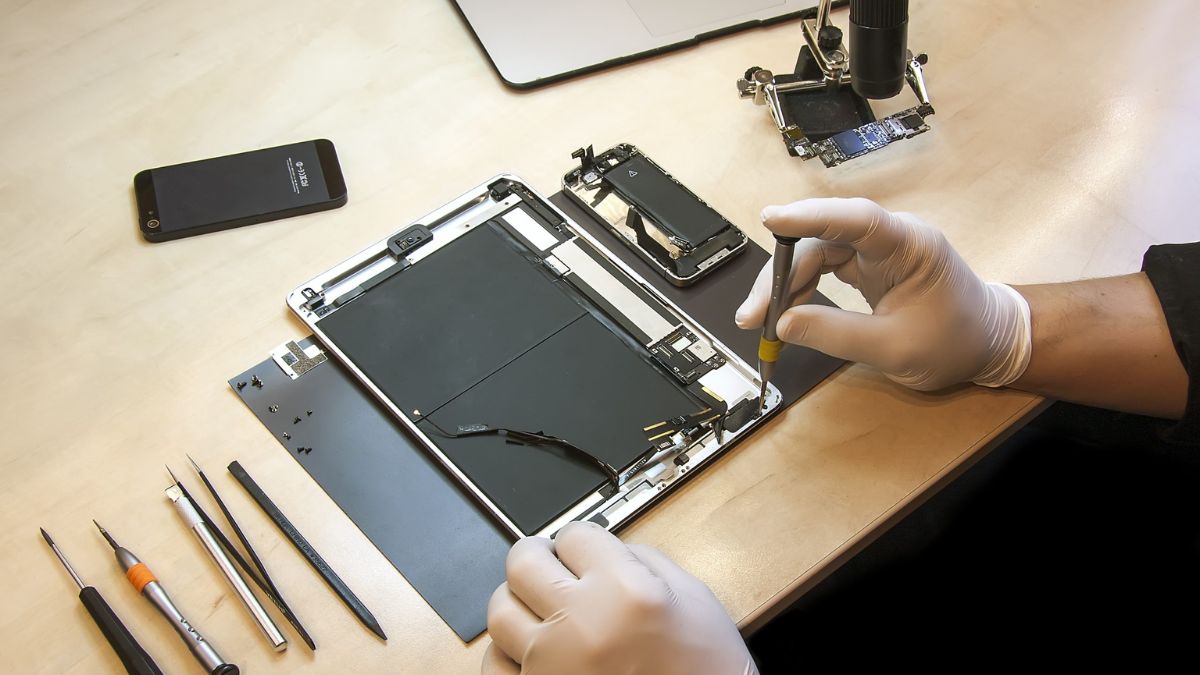
Remember that regular software updates and maintenance can go a long way in preventing many of these issues. Additionally, if you encounter persistent problems that you can’t resolve on your own, consider seeking assistance from the manufacturer’s customer support or a professional technician to ensure your Android phone functions optimally.