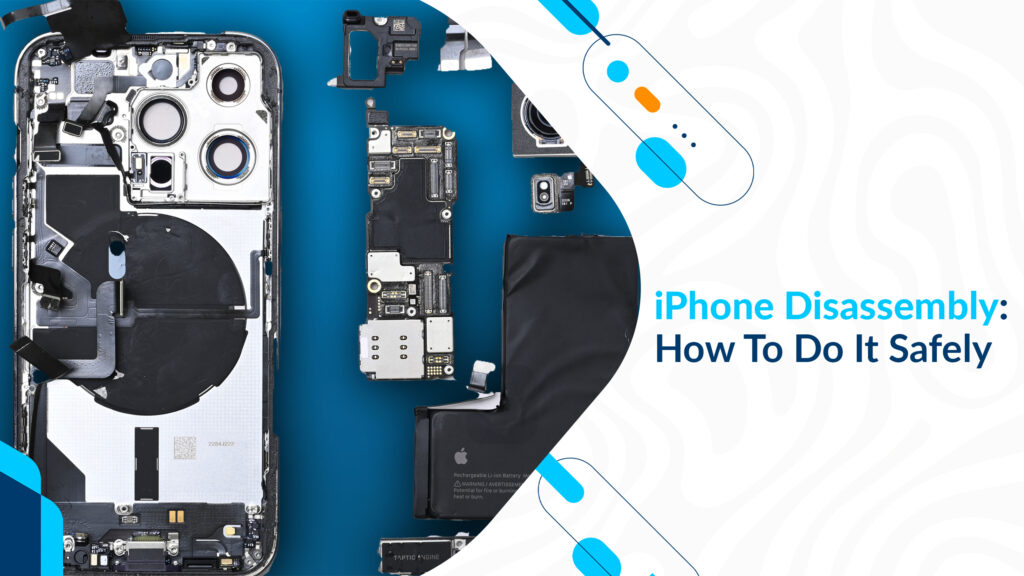
iPhone Disassembly is a process that may become necessary for various reasons, such as replacing a damaged component or conducting repairs. However, it’s crucial to approach this task with caution to avoid causing further damage to your device or risking injury. In this article, we will discuss how to safely disassemble an iPhone while keeping your device and yourself protected.
Preparation
Before you begin the iPhone disassembly process, gather the necessary tools and materials:
- A clean well-lit workspace.
- The appropriate screwdrivers and tools for your specific iPhone model. Apple devices often require specialized screwdrivers.
- Safety equipment, including anti-static wrist straps and ESD (Electrostatic Discharge) protection if available.
- A container or organizer to keep track of screws and small components. Label each section to correspond with the step in which you removed the parts.
Power Off and Unplug
Ensure your iPhone is powered off and disconnected from any power sources or charging cables. This step is crucial to avoid electrical shock or damage to your device.
Backup Data
Before proceeding with iPhone disassembly, back up your devices’ data to iCloud or your computer. This precaution ensures that your data is safe in case anything goes wrong during the process.
Anti-static Measures
Static electricity can damage sensitive electronic components, so take anti-static precautions:
- Use an anti-static wrist strap, grounding yourself by connecting it to a metal object or a grounded surface.
- Work on an anti-static mat if possible.
Step-by-step Approach
Follow a systematic, step-by-step approach to disassemble your iPhone. Each iPhone model may have slightly different disassembly instructions, so consult reliable online guides or resources specific to your model. Always follow the manufacturer’s guidelines.
Handle Components With Care
During iPhone disassembly, handle all components with care. Avoid applying excessive force, as it can lead to component damage. Gently pry open or detach components according to the instructions.
Keep Screws Organized
As you remove screws, place them in a container or organizer, and label them to correspond with the step in which they were removed. Mixing up screws can lead to complications during assembly.
Avoid Magnetic Screwdrivers
While magnetic screwdriver may seem convenient. They can damage delicate electronic components or magnetize screws. Use non-magnetic screwdrivers to avoid these issues.
Mind the battery
The iPhone’s Battery is a delicate component that requires special attention. Avoid puncturing, bending, or applying excessive pressure to the battery, as it can e a safety hazard.
Document the process
Take pictures or make notes during the iPhone disassembly process. This documentation can be invaluable when reassembling the device, helping you remember the current order and placement of components.
Reassembly
After completing your necessary repairs or component replacement, carefully reassemble your iPhone in the reverse order. Use your documentation, pictures, or guides to ensure correct placement of components and screws.
Testing
Before fully sealing your iPhone, test it to ensure that it functions correctly. This step can prevent potential issues after reassembly.
Conclusion
iPhone disassembly can be a daunting task, but by following safety precautions, working methodically, and using the right tools, you can safely disassemble and reassemble your device. Remember to take your time and be patient during the process to avoid damaging sensitive components. If you ever feel uncomfortable with the process or encounter difficulties, consider seeking professional assistance from an authorized Apple service provider or technician. Safety and precision are key when it comes to iPhone disassembly.