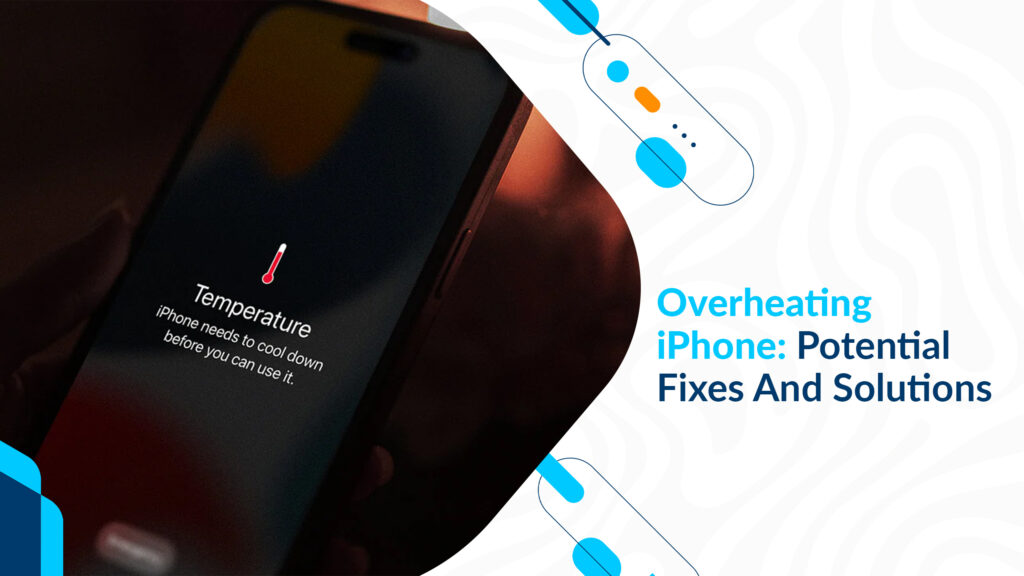
iPhones are marvels of technology, but even the most advanced devices can sometimes succumb to the heat. An overheating iPhone is not just uncomfortable to hold; it can also damage the internal components and reduce your device’s lifespan. In this guide, we’ll delve into the causes of iPhone overheating and provide effective solutions to keep your device cool and functional.
The Culprits Behind An Overheating iPhone
Several factors can lead to an overheating iPhone, including:
Environmental Conditions: Exposure to high temperatures, direct sunlight, or extreme cold can cause your iPhone to overheat.
Heavy Usage: Running resource-intensive apps, playing graphics-intensive games, or multitasking extensively can generate excess heat.
Software Glitches: Occasionally, software bugs or glitches can cause your iPhone to work harder than necessary, leading to overheating.
Charging Issues: Overcharging or using a faulty charger can generate excess heat during the charging process.
Preventing An Overheating iPhone
Here are some proactive measures to prevent your iPhone from overheating:
Avoid Extreme Temperatures: Don’t leave your iPhone in a car on a hot day or be exposed to cold temperatures for an extended period.
Limit Resource-Intensive Apps: If you’re using apps that tax your device’s CPU and GPU, take breaks to allow your iPhone to cool down.
Update Software: Regularly update your iOS to the latest version to ensure you have the latest bug fixes and optimizations.
Optimize Background App Refresh: In your iPhone’s settings, manage which apps can refresh content in the background. This reduces unnecessary CPU usage.
Fixing Overheating iPhone Issues
If your iPhone is already overheating, take these steps to cool it down:
Remove It from Direct Sunlight: If your iPhone is exposed to direct sunlight, move it to a cooler spot.
Close Resource-Intensive Apps: Double-click the Home button (or swipe up from the bottom on newer models) and swipe away any apps running in the background.
Turn It Off: If your iPhone is excessively hot, turn it off and let it cool down before using it again.
Check for Software Updates: Ensure you have the latest iOS updates installed to fix any software-related issues.
Inspect for External Factors: Remove the case and check for any foreign objects blocking the heat dissipation, such as dust or lint around the charging port or speakers.
Addressing Charging-Related Overheating
Charging issues can contribute to overheating. To avoid this:
Use Genuine Chargers: Always use Apple-certified chargers and cables to charge your iPhone.
Don’t Overcharge: Unplug your iPhone once it’s fully charged to prevent overcharging, which can generate excess heat.
Avoid Charging in Extreme Temperatures: Charging your iPhone in extremely hot or cold environments can lead to overheating. Opt for moderate temperatures when charging.
Seek Professional Help
If your iPhone continues to overheat despite these efforts, it may be time to seek professional assistance. Contact Apple Support or visit an Apple Store to diagnose and resolve any underlying issues with your device.
Conclusion
An overheating iPhone can be a source of frustration and concern, but by understanding the causes and implementing preventive measures, you can keep your device running smoothly and within a safe temperature range. Remember to avoid extreme environmental conditions, limit resource-intensive apps, and address any charging-related issues promptly. With these strategies, you can ensure your iPhone stays cool and performs optimally.